When a camera dies after eighteen months in Egypt, the usual conclusion is that the equipment was poor. Occasionally it was. Far more often the equipment was fine and the installation was designed for a mild climate, clean power and a building that does not exist here.
Heat above 45 °C in a closed enclosure, airborne dust and sand, coastal humidity and salt, and a power supply with frequent switching and surges are not edge cases in this market — they are the normal operating environment. A system designed and maintained for them lasts for years. One that is not fails quietly, and usually in the way that matters least until it matters most: the image degrades long before the camera stops.
The six ways surveillance systems actually fail here
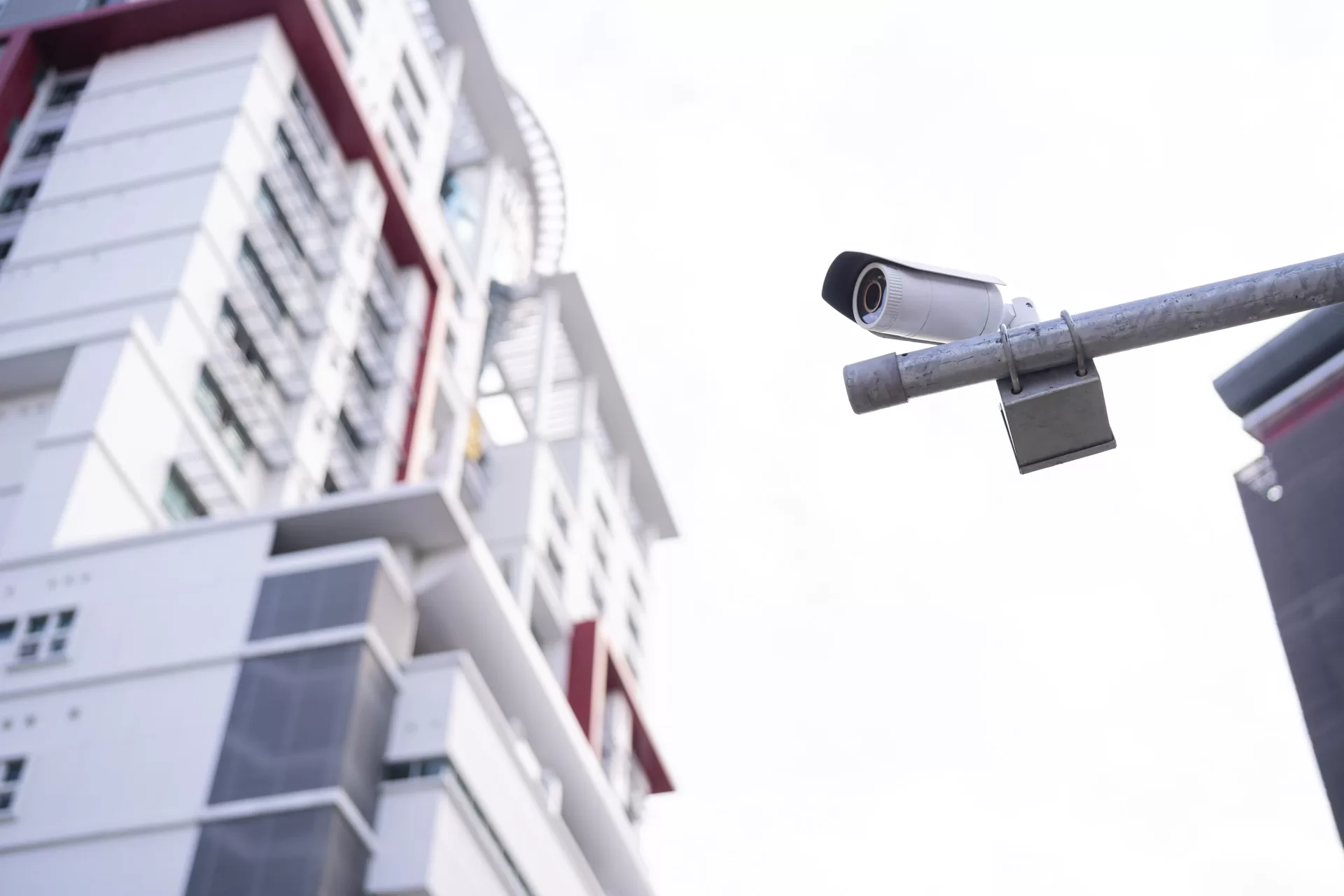
1. Heat, and the enclosure that traps it
Electronics do not fail at the ambient temperature, they fail at the temperature inside the housing — which in direct sun on a metal roof can be far above the air outside. Heat shortens the life of capacitors and image sensors, and the first symptom is not death but noise: a grainier picture, especially at night, and occasional reboots in the hottest hours. Shade, mounting away from radiating surfaces, and choosing a device whose stated operating range covers the real roof temperature — not the office temperature — are what prevent it.
2. Dust and sand on the dome
A dome that looks slightly dusty in daylight is a different device at night. Infrared light reflects off the dust film back into the lens, and the result is a washed-out, hazy image with the detail gone exactly when you need it. This is the single most common “the cameras are useless at night” complaint, and it is solved with a cloth, not a purchase order. Dust also clogs enclosure vents, which brings back failure mode one.
3. Humidity, condensation and salt
On the coast and in high-humidity sites, moisture enters through the cable gland far more often than through the housing itself. Once inside, it condenses on the lens on cool mornings and corrodes contacts over months. Correct gland sealing, a drip loop so water runs away from the entry rather than into it, and attention to the IP rating of the whole assembly — not just of the camera — are the fix. Salt air additionally attacks mounting hardware, so stainless fixings are worth the small extra cost.

4. Power: surges, switching and outages
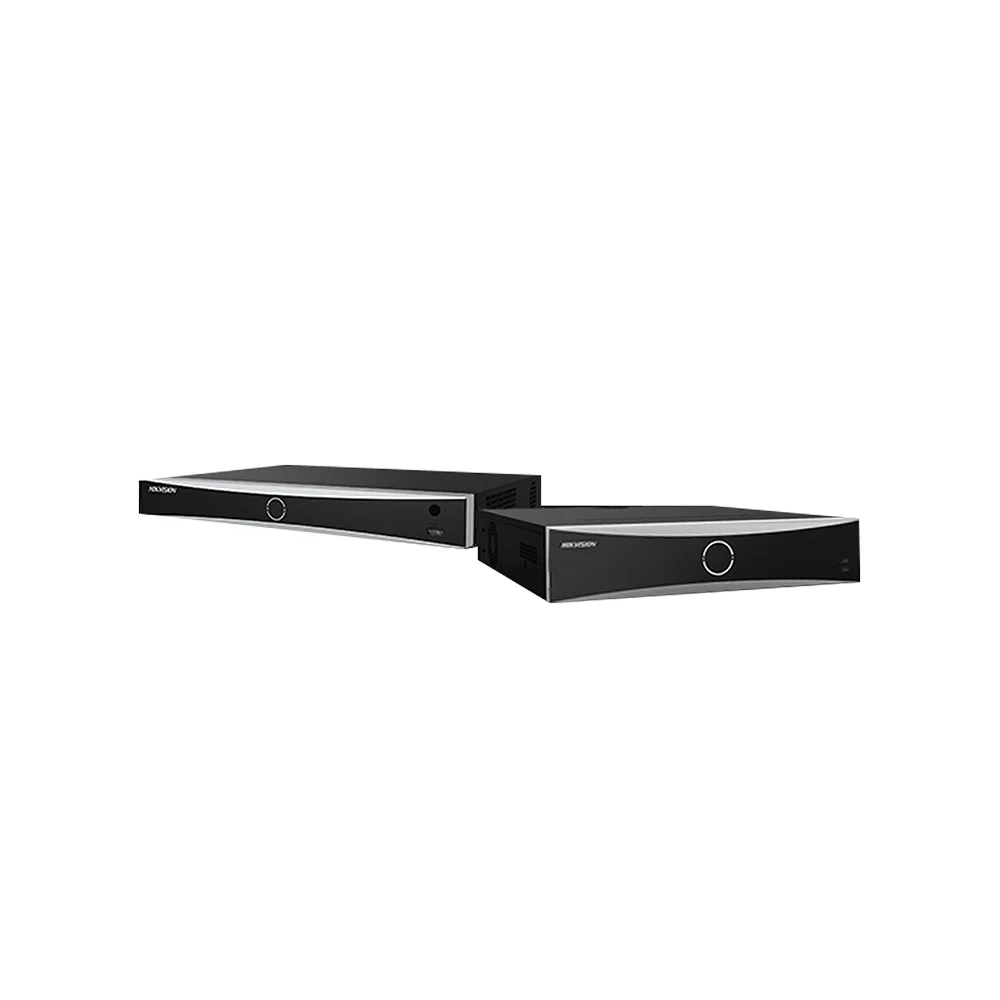
The recorder is the single most valuable device on any site, because it holds everything, and it is also the most exposed to a sudden voltage event. Two mistakes repeat constantly: no surge protection on long external cable runs, and a UPS sized for the recorder alone — which keeps the recorder running with no switch and therefore no cameras. Protect the recorder, the switches and the network core together, and add surge protection where cable runs leave the building.
5. Cabling in hot voids
Substandard cable is invisible in a proposal and decisive two summers later. In a hot roof space, poor-quality copper and thin insulation lead to intermittent link drops — cameras that disappear for minutes and come back, which nobody investigates because they are working again by the time anyone looks. Re-pulling cable after ceilings are closed costs many times the price difference.
6. Focus drift and vibration
Cameras mounted on gates, barriers, lightweight poles or near heavy machinery vibrate constantly. Over months this moves the focus, loosens the mount and slowly rotates the field of view until the camera is pointing at a wall instead of a doorway. Nobody notices, because the image is still sharp — just of the wrong thing. This is why a maintenance visit must include checking the view, not only that the camera is online.
Warning signs worth acting on
- The night image is hazier than it was six months ago — almost always a dirty dome, not a failing camera
- One camera reboots in the afternoon and is fine in the morning — heat
- Condensation inside the dome on cool mornings — a sealing or drip-loop problem
- A camera drops offline for a few minutes at a time — cabling or PoE budget, not the camera
- Recording gaps that line up with power events — UPS coverage
- Footage that no longer covers what it used to — drift, not failure
- Retention has quietly shortened — a drive has dropped out of the volume
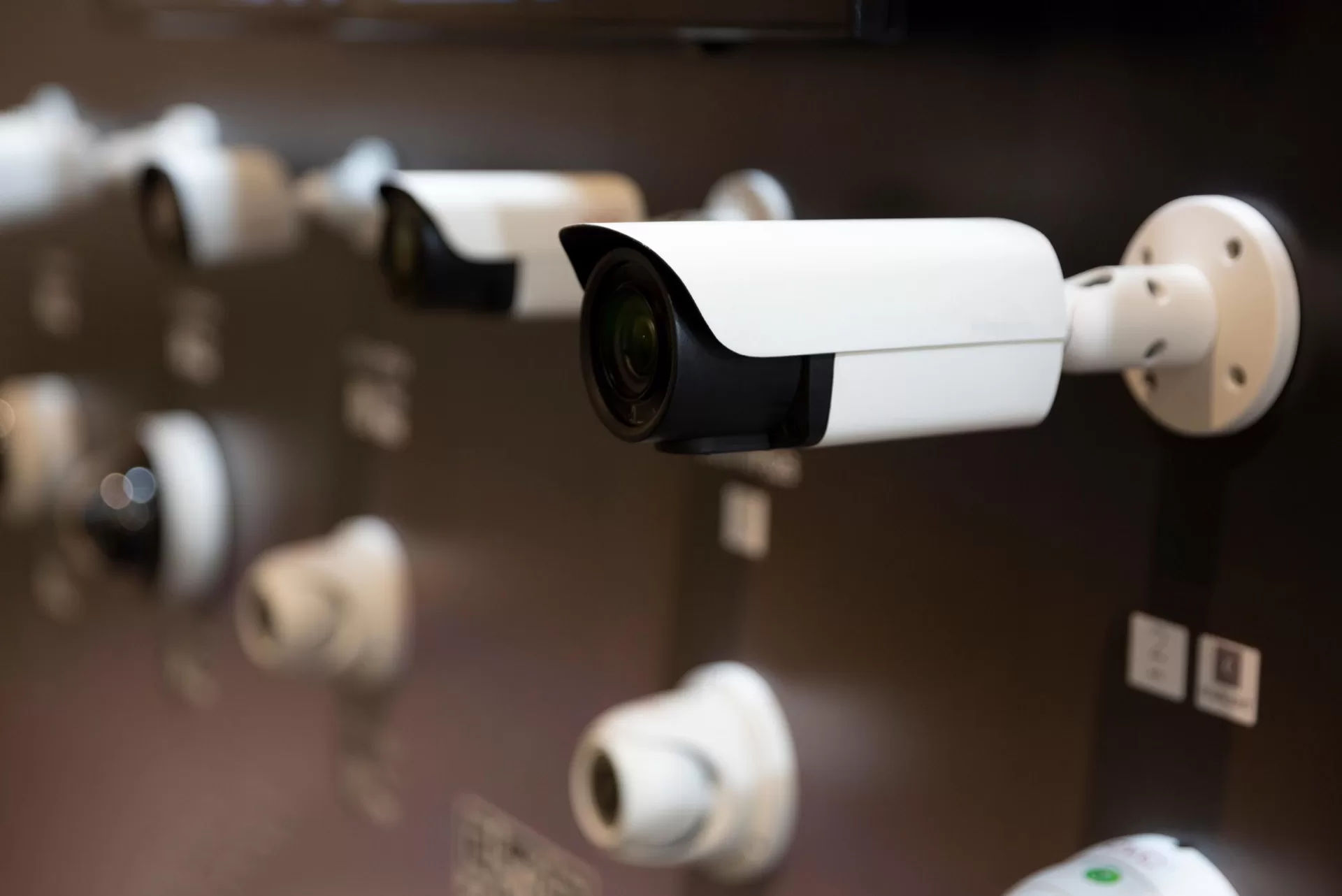
A maintenance calendar that actually prevents failures
| Frequency | Task | Why |
|---|---|---|
| Monthly | Check every camera is online and recording; confirm the retention window is still what it should be; review the recorder’s disk health log | Catches a dropped drive or a dead channel in weeks instead of after an incident |
| Quarterly | Clean domes and lenses; compare each camera’s current view against the commissioning screenshot; check mounts for movement | Restores night performance and catches drift before the view is lost |
| Quarterly | Test UPS under load, not just its indicator light | A UPS with failed batteries reports healthy until the moment it is needed |
| Every 6 months | Inspect enclosures, glands and cable entries; clear vents; check earthing and surge devices; verify firmware status | Stops moisture and heat damage while it is still cosmetic |
| Annually | Full evidential test: export a night-time clip from every camera at its duty distance and confirm it still proves what it was installed to prove; review storage against current camera count; back up configuration | The only test that answers “will this footage be usable in a dispute?” |
Keep the commissioning screenshots. A maintenance visit without a reference image is a matter of opinion; with one it takes thirty seconds per camera.
What a maintenance contract should contain
- Response time by severity, with the recorder and gate systems treated as the highest severity
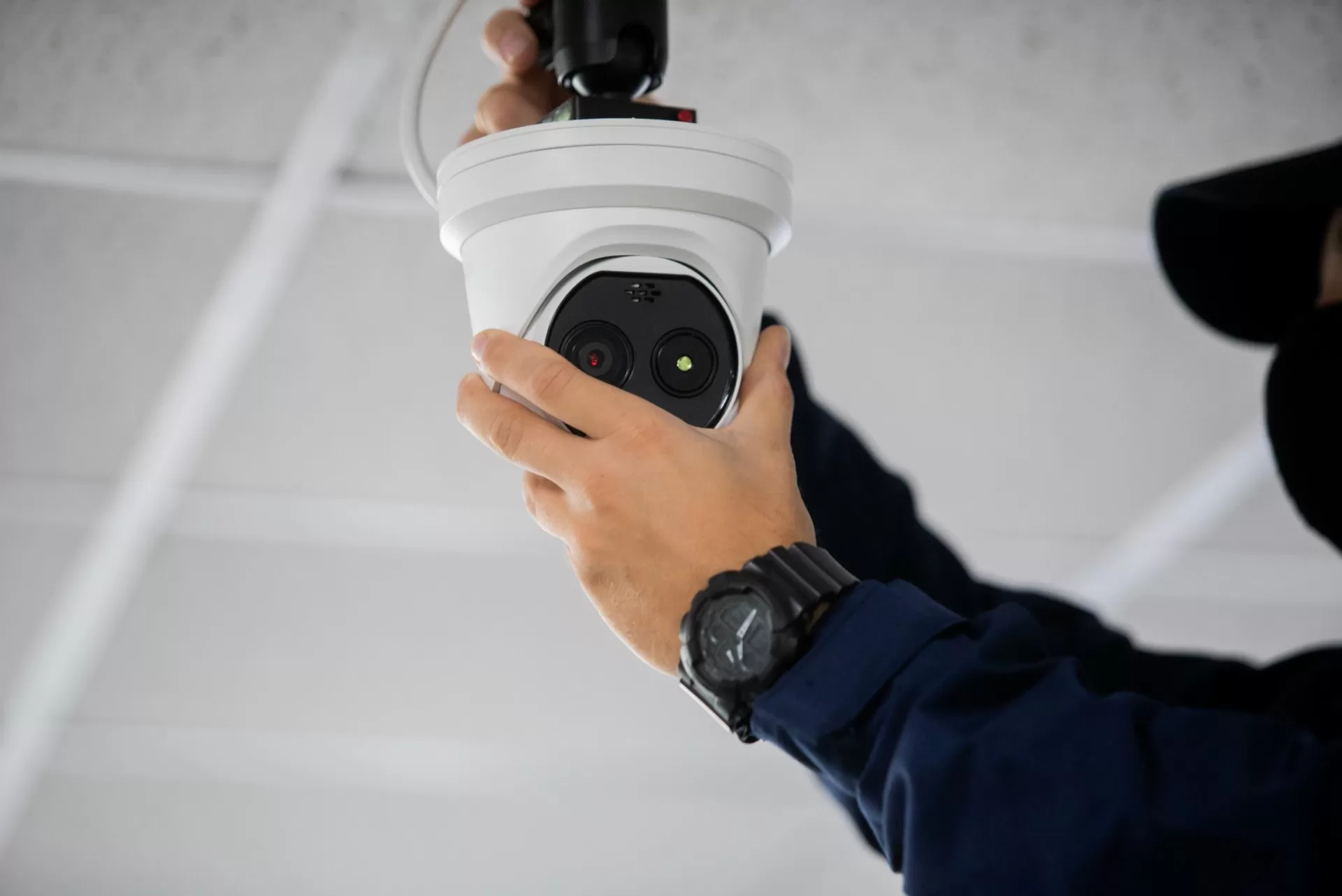
- Scheduled preventive visits — cleaning, re-focus, mount tightening, view verification — not only reactive callouts
- Remote health monitoring of channels, disks and firmware where the network allows it
- Defined spare-part holding for the models installed, so a failure is a swap rather than a procurement cycle
- An annual evidential test with a written report
- A named escalation contact, and clarity on what remains covered by the equipment warranty
Equipment supplied by Speed4Trading carries a one-year warranty, and installation is offered as professional installation in Cairo & Giza, priced after a site assessment — which is also when the environmental factors above are identified, before they become failures.
Environment decides the specification
The reason the same model performs differently on two sites is rarely the model. In hazardous and heavy-industry environments the environmental requirement dominates every other decision — see explosion-proof CCTV at Sidi Kerir Petrochemicals and Khalda Petroleum. For low-light performance, which dust most affects, see Smart Hybrid Light. And because maintenance and retention are linked, read the storage sizing guide and what really drives system cost.
Frequently asked questions
How often do cameras really need cleaning in Egypt?
Quarterly is a reasonable baseline. Sites near main roads, construction, desert boundaries or industrial dust need it more often — and the night image will tell you when, long before anything fails.
Is an IP66 camera safe to leave alone outdoors?
The rating describes the housing, not the installation. Most water ingress happens at the cable gland or through a missing drip loop, and dust on the lens is not covered by any IP rating at all.
Does a UPS really matter if outages are short?
Yes, for two reasons. Short outages still create recording gaps, and the switching events around them are what damage recorders. A UPS that covers the recorder, the switches and the network core removes both problems.
Our cameras are fine but the night footage is useless — what is wrong?
In order of likelihood: dirty domes reflecting infrared, wrong lens or illumination technology for the distance, and a bitrate too low for the scene. The first costs nothing to fix.
Can you maintain a system that someone else installed?
Yes. We start with a survey, an evidential test per camera and a report on what is failing or drifting, then propose a maintenance schedule for the system as it exists.
Book a health check before the next summer
Speed4Trading — authorized Hikvision and Western Digital agent in Egypt since 1999. Tell us the site and the camera count, and we will tell you what the climate and the power supply are doing to it.
Hotline 16454 · WhatsApp 01068835505 · Request a free consultation · Explore our security solutions