
Every school year starts the same way: books, timetables, classroom repairs. And one question stays postponed until something forces it — is the school actually secured? The difference between a school that “has cameras” and a school that is secured is not the number of devices. It is whether the system covers the points where incidents actually happen.
This guide is written for school principals, operations managers and procurement teams. It sets out what has to be covered, how the numbers are decided, and which mistakes make a school pay twice. Speed4Trading — the authorized Hikvision agent in Egypt since 1999 — installs these systems in Egyptian educational institutions, and this guide is based on what we see on site, not on catalogues.
Why the work belongs in the weeks before term starts
For a practical reason: installation means running cable, mounting poles and gates and drilling walls — none of which belongs in a building full of students. The weeks before term are the only window in which a project can be completed end to end without disrupting the school day or exposing children to an open work site.
More importantly, a system needs a settling-in period: enrolling faces or cards, tuning detection zones, testing alerts, training the security team and the administration. Switching a system on during the first week of term means two weeks of false alarms and half-tuned settings.
The seven points every school must cover
Before choosing any equipment, these are the places where incidents and complaints actually recur in Egyptian schools:
- The main gate and vehicle entrance: where everyone enters and leaves, and where most problems occur at drop-off and pick-up.
- The pedestrian gate and student hand-over point: who collected a child and when — the footage administrations need most when a dispute arises.
- The yard and break areas: the highest density of movement and the most common place for incidents between students.
- Corridors and stairways: congestion between periods, and the evacuation routes in an emergency.
- Building entrances and floor doors: to confirm that nobody from outside the school reaches the classroom areas.
- Administration, safe and server room: protecting documents, equipment and custody items.
- The perimeter wall and rear areas: the points nobody walks past once the school day ends.
A school that covers these seven has covered most of its real risk. Any quotation that does not say how it addresses each of them is an incomplete quotation.
How the camera count and positions are decided
There is no fixed number, but there is a sound method. Start from the job each camera has to do, because that determines both its type and its position:
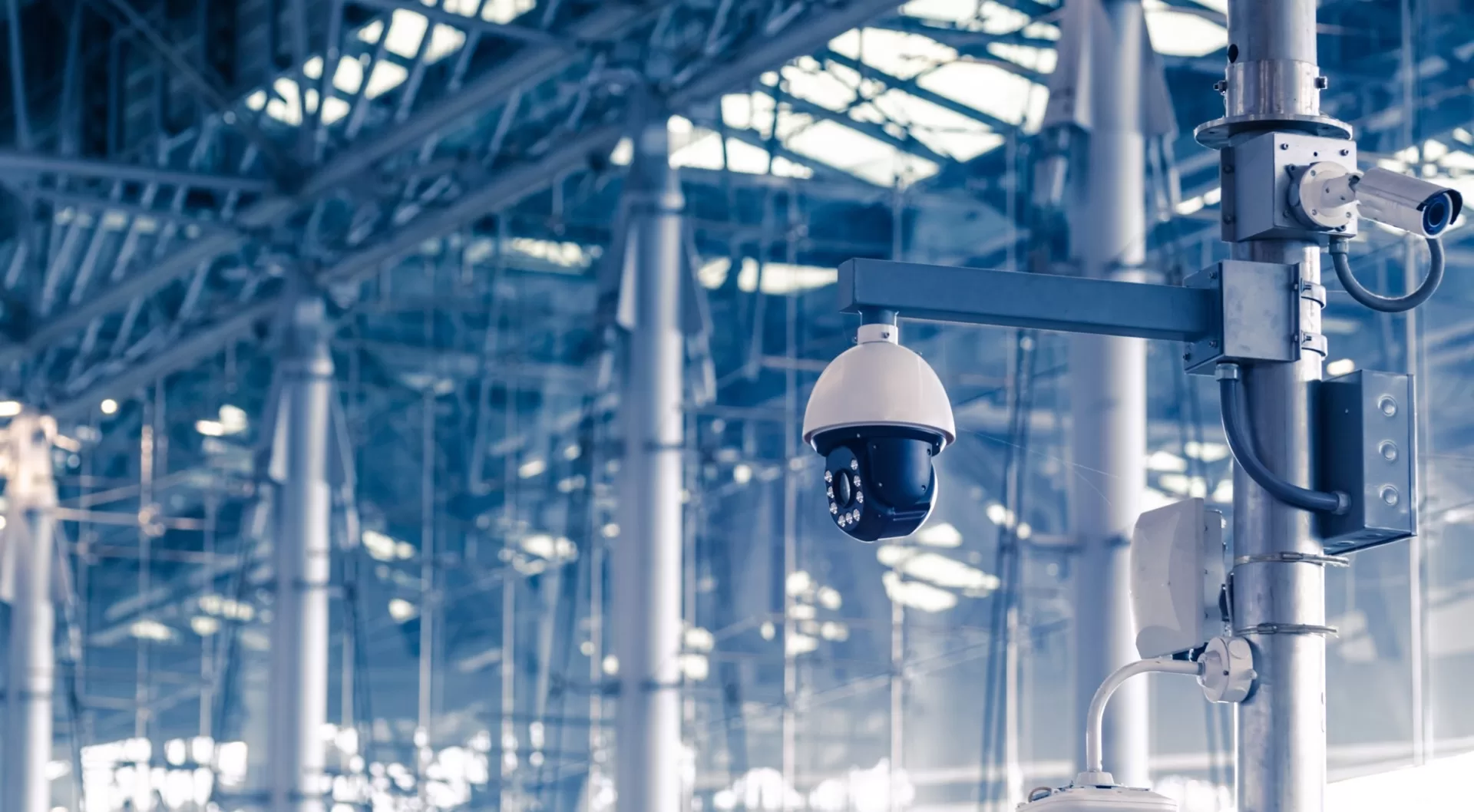
- Identification cameras: at gates and hand-over points — they must resolve facial features clearly. Shorter distance, higher resolution; 4 MP and above is preferable.
- Overview cameras: for the yard and corridors — their job is to establish what happened and who was present, not to identify features. A wider field of view at lower resolution is enough.
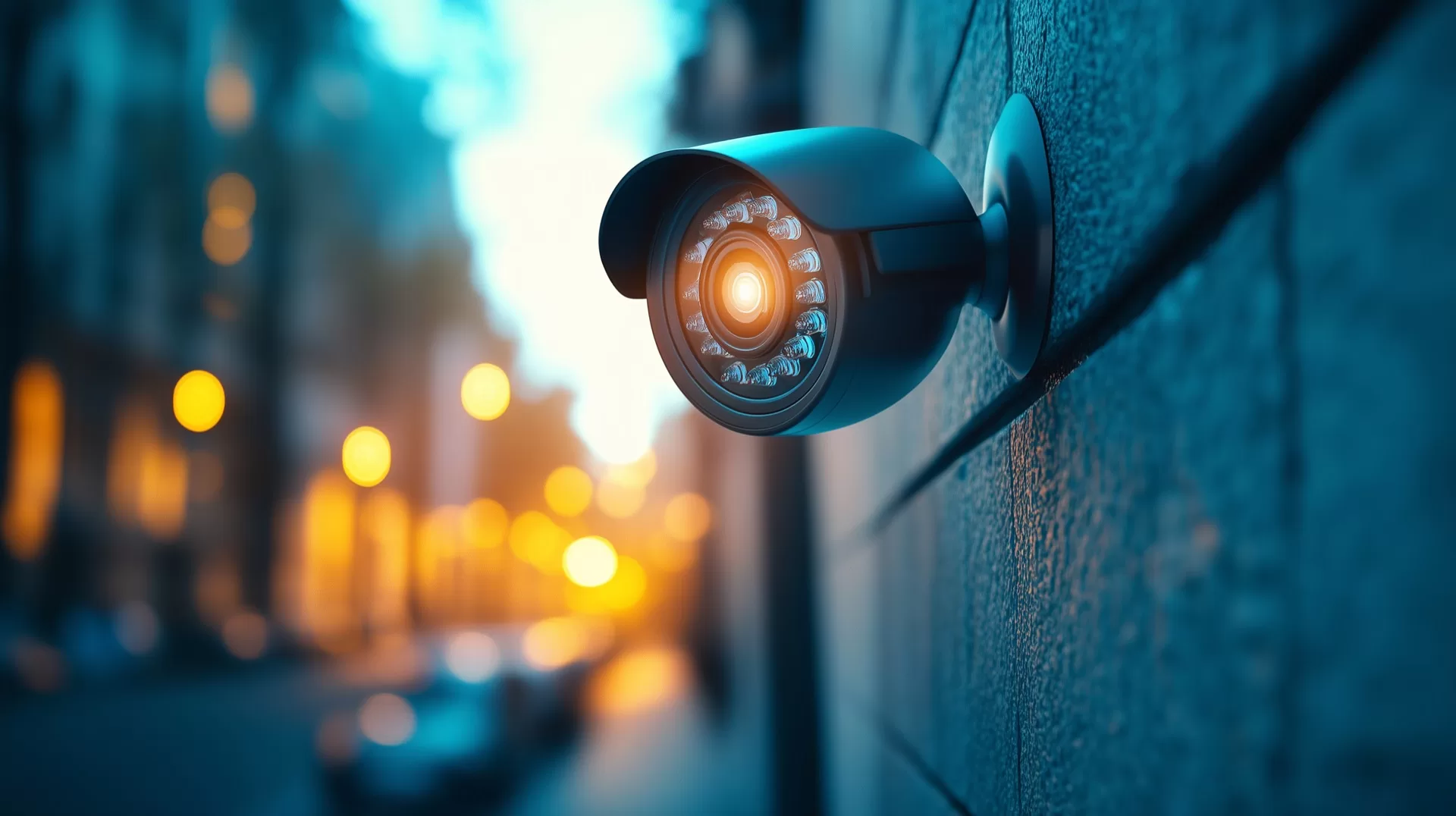
- Deterrence cameras: on the perimeter and rear areas — ColorVu models with a white light and siren that trigger when a person is detected after hours, preventing the incident instead of recording it.
The working rule: every entrance needs at least one identification camera, and every yard or long corridor needs an overview camera covering both ends. Count the entrances and corridors in your school and you have your approximate number before anyone visits. Browse the available surveillance cameras to see the ranges.
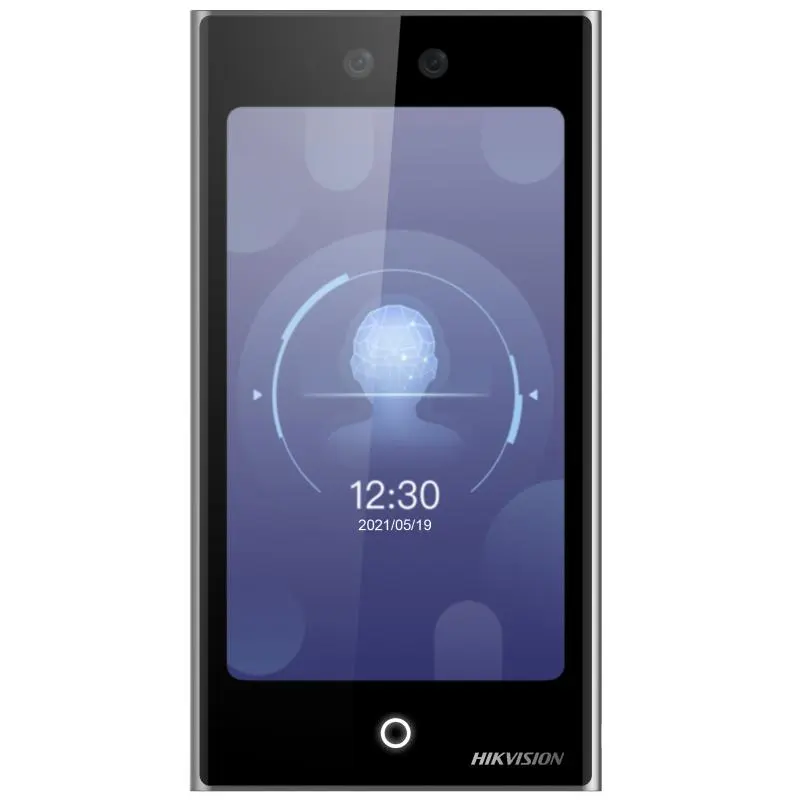
Access control and staff attendance
A camera records; it does not prevent. Prevention is the job of access control: a door that opens only for someone authorised, and a log showing who entered and when.
In schools these systems do a second job that matters just as much: attendance. One terminal at the entrance records staff and teacher arrivals automatically, replacing the paper register and the disputes that come with it. Hikvision‘s face recognition terminals work without contact, which suits an environment where hundreds of people pass through within minutes.
Barrier gates and turnstiles control vehicle and school-bus access, and keep unauthorised vehicles out of the yard while students are present.
What a complete system is made of
| Component | What it does in a school |
|---|---|
| IP cameras | Cover entrances, yard and corridors with continuous recording at a quality that stands up as evidence |
| ColorVu deterrence cameras | Light and siren on detecting a person after hours — they prevent rather than record |
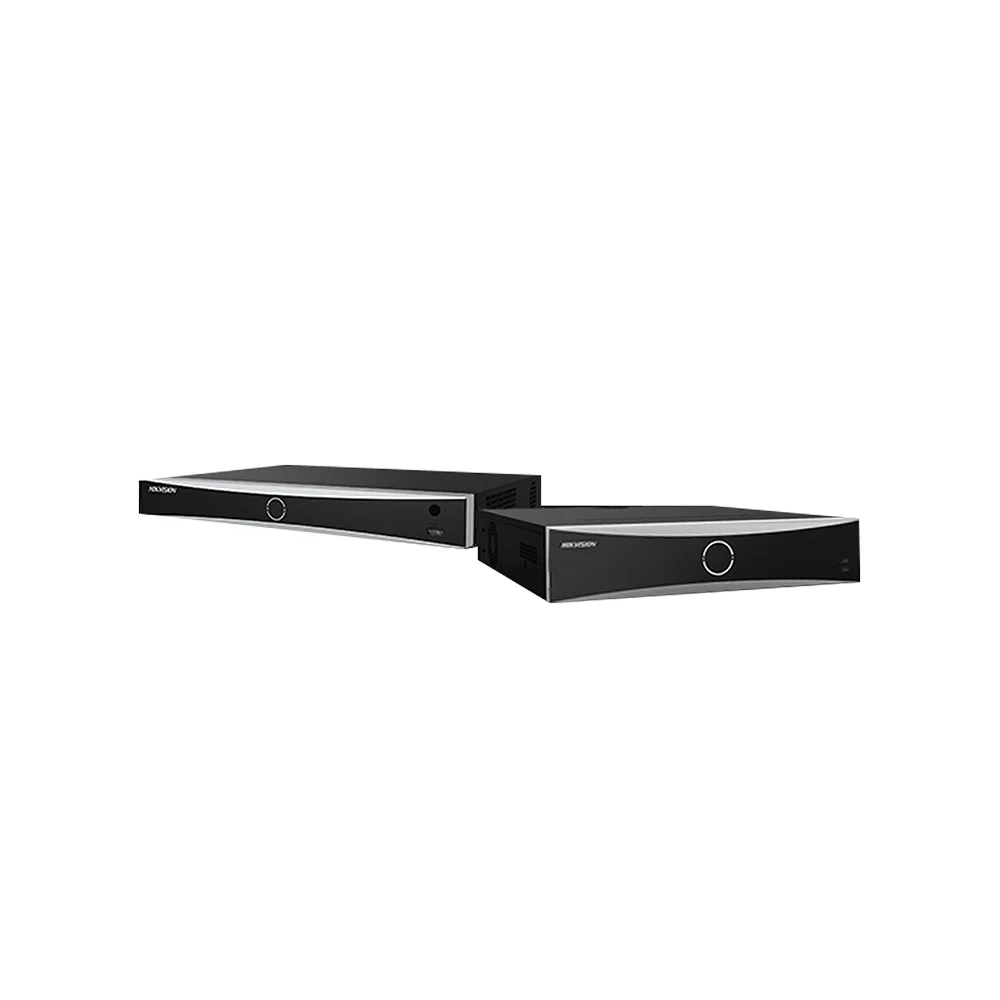
| NVR recorder | Retains footage for a sufficient period, with smart alerts that separate people and vehicles from passing movement |
| Access & attendance terminals | Authorised door opening, and automatic attendance logging for teachers and staff |
| Barriers and gates | Manage cars and buses and keep them separate from student movement |
| Video intercom | Verify a visitor’s identity before the gate is opened |
| Interactive displays | For classrooms and meeting rooms — a teaching component managed on the same network |
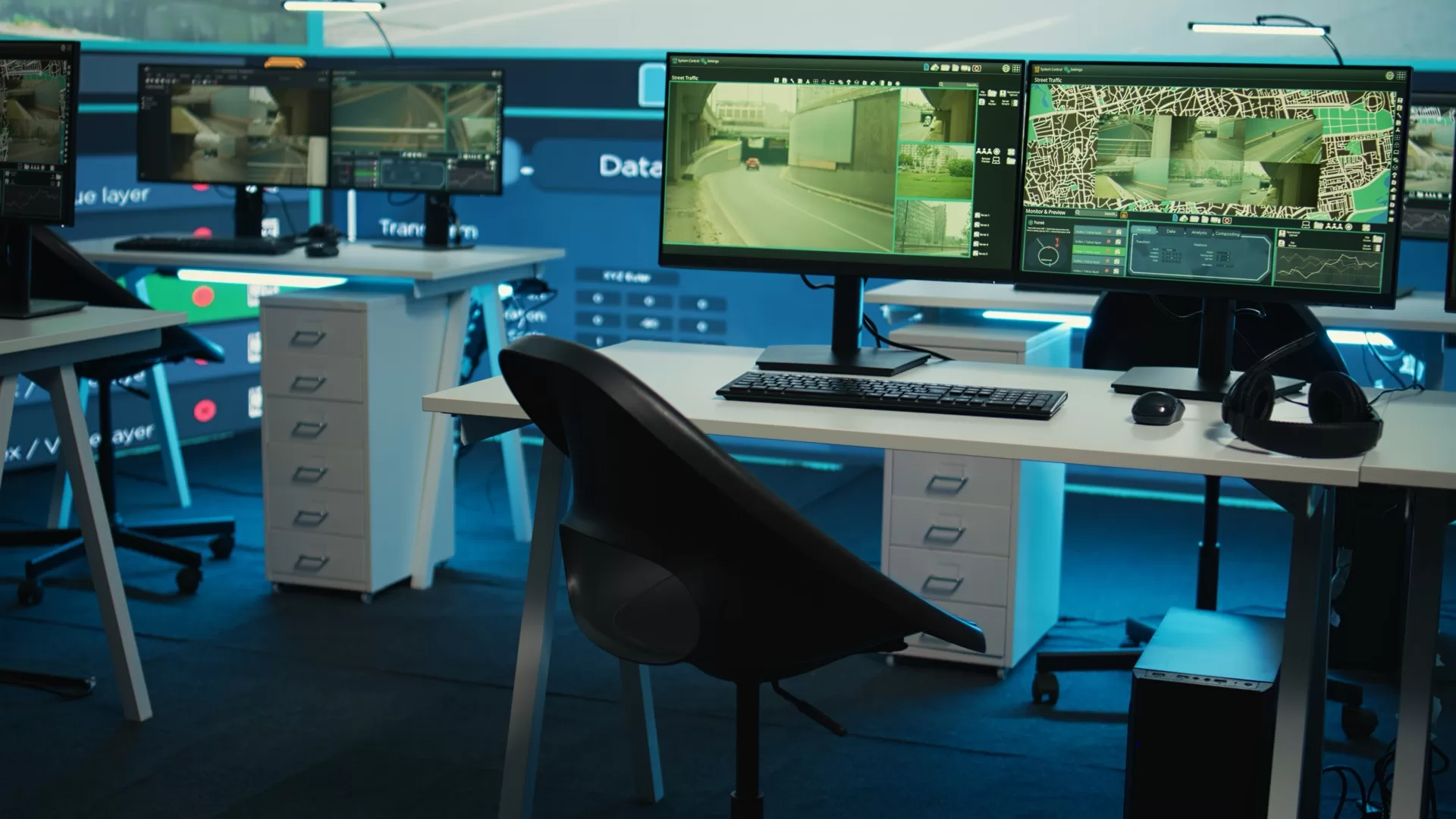
These components are managed from a single control point, and the principal can review them from a phone through the Hik-Connect app — which is what makes oversight possible without being on site.
What actually drives the cost
We will not put a number in an article, because any number without a site visit is a wrong estimate. But these are the factors that move the cost, and you can assess them yourself before requesting a quotation:
- Number of entrances and buildings: the single biggest factor. One building with two doors is a fundamentally different project from a campus with three buildings and two gates.
- Cable distances: how far the furthest camera sits from the server room determines cabling, the number of switches and the power points.
- Required retention: a week or a month? This decides drive size and recorder capacity.
- Existing network: a school with sound network infrastructure saves a meaningful share of the cabling cost.
- Room to expand: choosing a recorder with spare channels today avoids replacing the whole system in two years.
Four mistakes that make a school pay twice
- Buying cameras without a matched recorder: excellent cameras on a full recorder means footage overwritten before you need it. Decide retention first, then choose the recorder and drive.
- Using a standard desktop hard drive: surveillance drives are built for continuous 24-hour writing. An ordinary drive runs for months and then fails abruptly — usually discovered on the day the footage is needed.
- Covering the yard and ignoring the perimeter: most of what happens after the school day starts at the outer boundary, not inside.
- A system with no owner: a system nobody in the school knows how to export footage from is effectively out of service. Require training and a documented handover from the supplier.

From our own projects
Speed4Trading delivered an integrated security infrastructure at Menoufia University, designed to support high daily traffic and regulate movement across the campus. We also delivered interactive display solutions at Cairo University as part of its smart-education projects. Experience in educational institutions specifically is what keeps a design realistic: density, sharp movement peaks, and a system that has to be run by very few people.
How to start
- Audit the seven points above in your school and record the number of entrances, buildings and corridors. That is your working sheet.
- Request a site assessment. Our engineer visits, fixes positions and cable routes, and sets the right retention period.
- Receive a design and an itemised quotation that explains why each device is where it is — not a list of parts without reasons.
- Installation, configuration and handover under technical supervision, with training for the school team and ongoing support.
You can review the school security bundle to see the components, or contact us directly to arrange the assessment. Hotline: 16454.
Frequently asked questions
How many cameras does a school need? It depends on the number of entrances and corridors, not the number of students. The rule: one identification camera at every entrance, plus an overview camera covering both ends of each yard or long corridor. Count those in your school and you have the approximate figure.
Can the system be installed without disrupting classes? It can, but it is not ideal. Cabling and mounting need a safe working area, so we schedule school projects during holidays or the weeks before term wherever possible.
Can the principal monitor the cameras from a phone? Yes, through the Hik-Connect app — live view, recorded playback and alerts, with permissions that can be set per user.
How long is footage retained? It is determined by drive size, camera count and resolution. Schools typically ask for two weeks to a month, and storage is sized accordingly during the design stage.
Are fingerprint and face terminals suitable for student attendance? In Egypt they are mostly used for teachers and staff. Using them with students is a decision for the school administration, in line with its own policy, regulations and parental consent.
Are the products genuine and under warranty? Yes — Speed4Trading has been the authorized Hikvision agent in Egypt since 1999. Products are genuine, with official warranty and local technical support.
Related reading on school and campus security
- Smart school entrances: barrier gates and turnstiles
- What actually drives the cost of a CCTV system in Egypt
- How much storage does 30 days of footage need?
- Why cameras fail early in Egypt — and the maintenance plan that prevents it
- Success story: Menoufia University
- Success story: Cairo University interactive displays
- All Speed4Trading security solutions
Hotline 16454 · WhatsApp 01068835505 · Request a free consultation